A Complete Training Series for 3D Digital Artists
Presented by Vladimir Chopine | Hosted by Digital Art Live
3D Modeling
Your Ideas Deserve to Move Faster
For many artists, traditional 3D modeling feels like a constant uphill battle—endless sculpting, messy topology, confusing UV work, and hours spent wrestling with tools instead of creating. It’s frustrating when your ideas are vivid, but the technical roadblocks slow everything down.
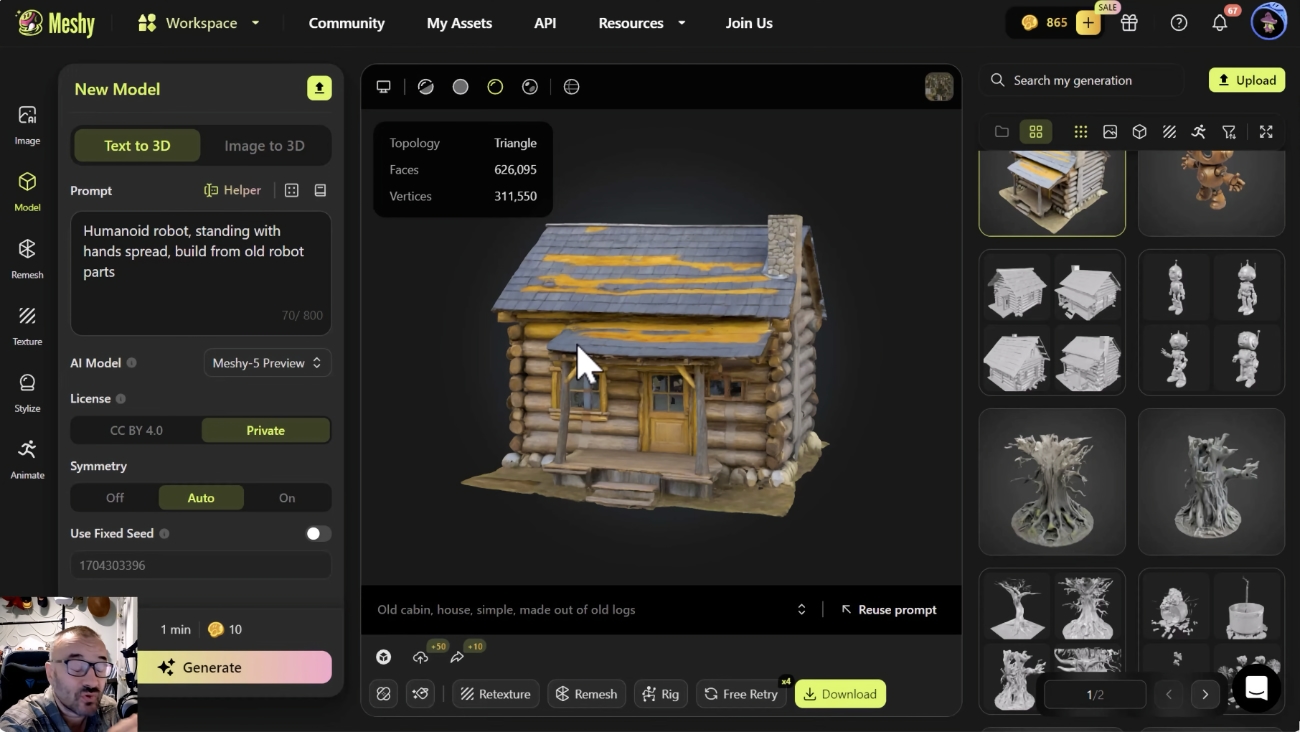
But a new era has arrived. With today’s AI tools—HiTem3D, Meshy, SPARC3D, Hunyuan, and powerful new ComfyUI workflows—you can generate, refine, and rig impressive 3D models in minutes, not days. This course shows you how to break free from the grind and finally bring your ideas to life with speed, ease, and confidence.
Why This Course Works
We’re going to teach you a proven, end-to-end 3D creation framework that blends today’s most powerful AI tools (HiTem3D, Meshy, SPARC3D, Hunyuan, ComfyUI) with hands-on production techniques, so that you can:
- Generate detailed 3D models in minutes, without needing years of sculpting experience
- Accelerate your entire workflow—from concept to rigging to final rendering
- Build characters, props, and environments that look professional and production-ready
- Refine and clean up meshes quickly, without the usual technical bottlenecks
- Create a reliable, repeatable 3D pipeline that works for animation, games, and 3D printing
- Confidently produce portfolio-ready assets, even if you’re new to AI tools
This isn’t just about speed.
It’s about giving you freedom:
- Freedom to explore more ideas.
- Freedom to iterate without fear.
- Freedom to focus on creativity instead of technical barriers.
This course is designed for you if…
- You love 3D art but struggle with slow modeling workflows
- You’re curious about AI but want to use it responsibly and effectively—not as a replacement for real skills
- You have some software knowledge (DAZ, Blender, Photoshop, Unity/Unreal) but lack a unified pipeline
- You want to turn ideas into finished, usable models—fast
- You’re overwhelmed by all the new AI 3D tools and want a clear, expert-guided path
If any of these resonate, you are exactly who this course is built for.
Why This Course Is Different
- Led by Vladimir Chopine, one of the most respected 3D educators.
- AI + professional pipelines combined into one course.
- Custom ComfyUI nodes you won’t get anywhere else.
- Live, interactive, project-based learning.
- A complete workflow: generate → refine → animate → export.
The Opportunity
AI-driven 3D modeling is evolving fast. Tools like HiTem3D v1.5, Meshy, SPARC3D, and Hunyuan 3D-2.5 are transforming how artists, developers, and 3D enthusiasts create high-quality models in minutes. With Vladimir’s expertise—especially his new HiTem3D-in-ComfyUI workflow—this course will guide students through both the creative and technical sides of AI-assisted modeling, offering structured learning for all skill levels.
Free Intro Session
Saturday 6 December · 20:00 GMT
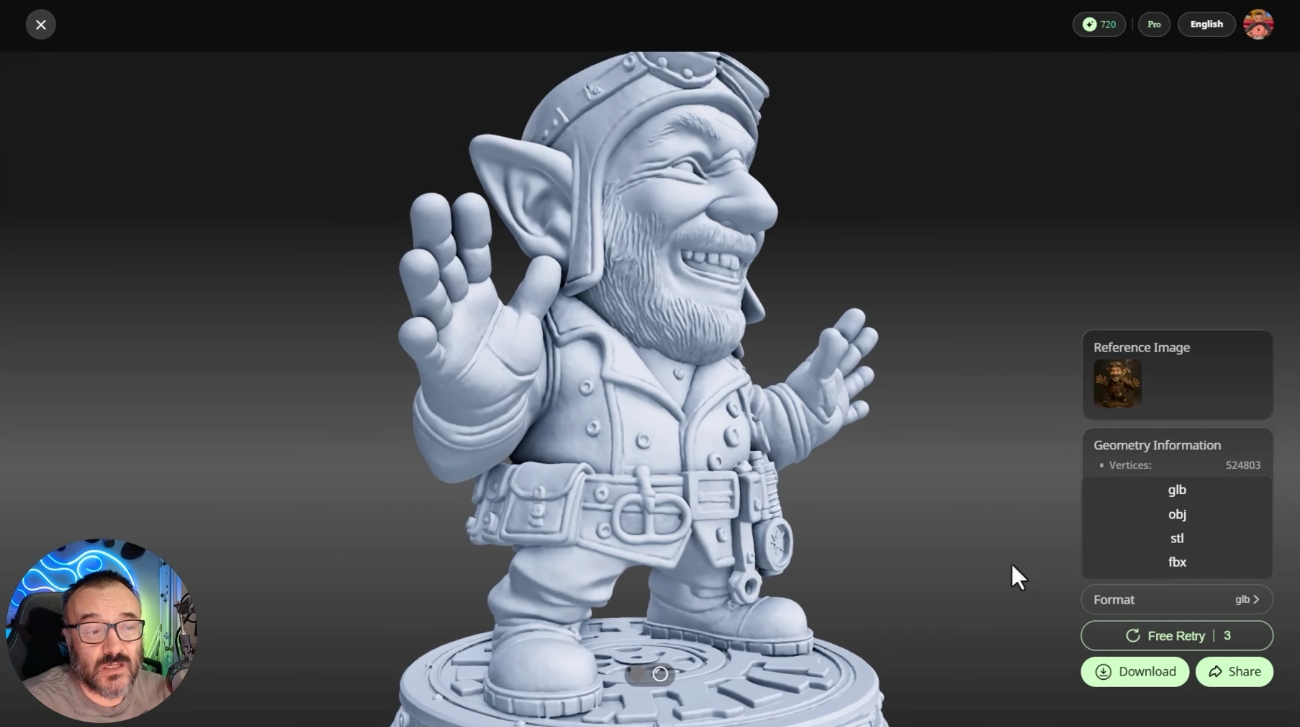
A free introductory session by Vladimir will showcase the incredible potential of AI 3D modeling – come and see what can be done!
Live demo:
- Selfie → 3D bust (HiTem3D v1.5)
- Multi-view enhancement
- Mesh inspection inside Blender
- New HiTem3D → ComfyUI workflow using custom nodes
- Q&A about the Core + VIP course
Register for Free (insert link)
Who This Course Is For
- DAZ Studio creators
- Speed up character creation, generate unique figures, expand your asset library faster |
- Blender artists
- Rapid prototyping, environment generation, batch automation via Python scripts
- 3D print designers
- Generate optimized models for manufacturing, prototype faster before production
- Unity/Unreal developers
- Production-ready assets in a fraction of traditional modeling time
- Photoshop compositors
- Animators
- Rigged characters and assets ready for motion capture or hand animation
- Concept artists
- Anyone overwhelmed by new AI tools
No AI experience required.
What You Get
✓ 6 live sessions
✓ 6 Assignments
✓ Custom ComfyUI workflows
✓ Blender/Vue/PlantFactory Python scripts
✓ Production checklists
✓ Asset libraries
✓ Private class forum
✓ Lifetime access
WEEK 1 — The New AI 3D Frontier (HiTem3D v1.5)
Your first production-ready model in 20 minutes.
Busts, multi-view, exports, topology.
WEEK 2 — Rigged & Ready (Meshy)
Text-to-3D, Image-to-3D, UVs, PBR, rigging, Blender Bridge.
WEEK 3 — Comparing & Cleaning (SPARC3D, Hunyuan, More)
Quality comparisons, cleanup, environments, cinematic backdrops.
WEEK 4 — Pipelines & Automation
End-to-end workflow, Python scripting, asset QC, production templates.
WEEK 5 (VIP) — ComfyUI Power User: HiTem3D via Custom Nodes
Install nodes, API integrations, batch processing, multi-view automation.
WEEK 6 (VIP) — Animation & Engine-Ready Pipelines
Auto-rigging, Unreal/Unity export, LODs, materials, iClone (optional), QC checklist
*Bonus : The VIP modules will include an iClone walkthrough (recorded), with live demonstrations focused on Blender and Unreal. This ensures all students can follow along regardless of software ownership.
Full Curriculum
=> Click HERE to see what you’ll learn in Detail
WEEK 1: The New AI 3D Frontier (HiTem3D v1.5)
Your First Production-Ready Model in 20 Minutes
What You’ll Learn:
- Step-by-step with HiTem3D’s latest features
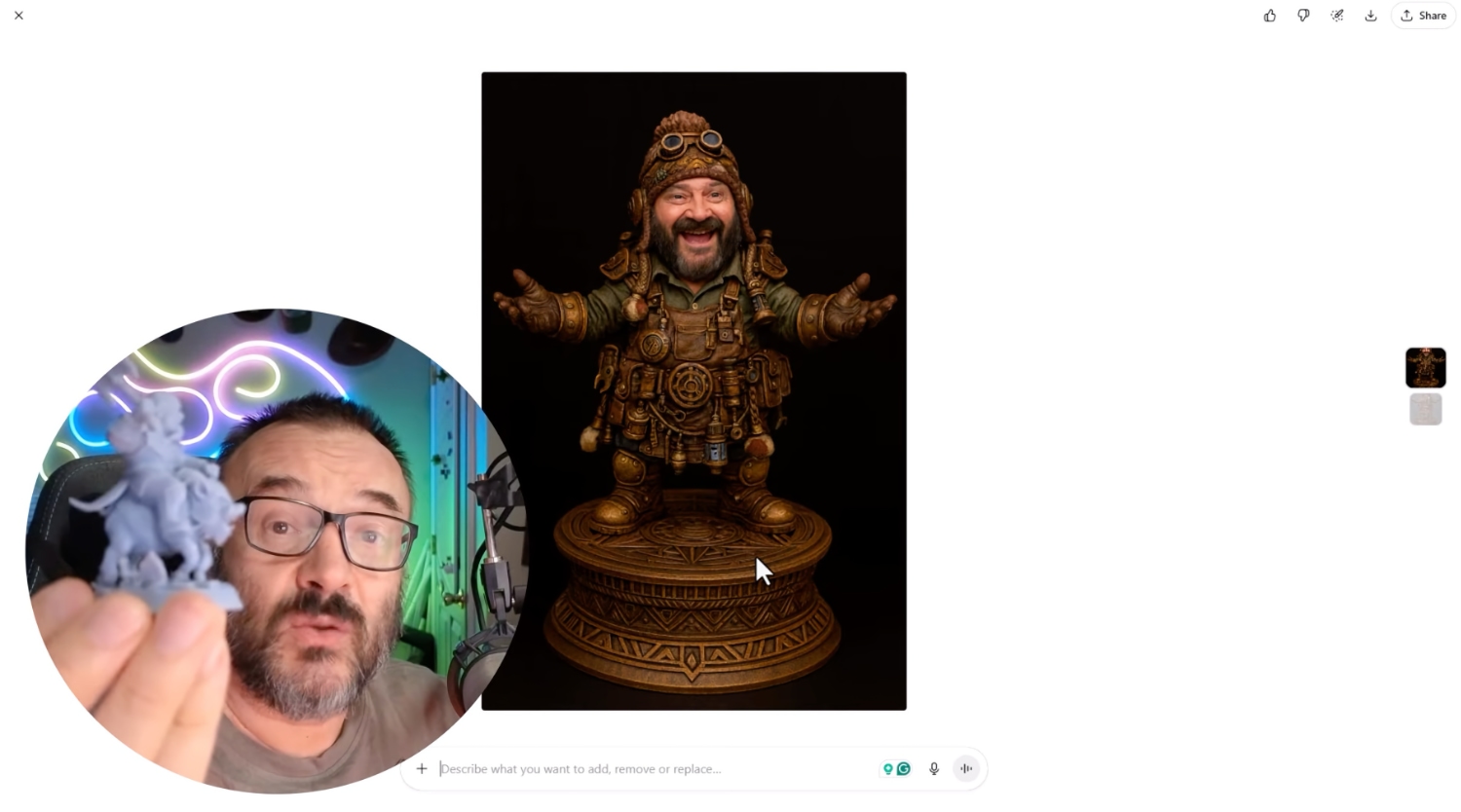
- Portrait mode: turning selfies into lifelike busts
- Multi-view input for improved detail and realism
- Choosing between Low vs Pro quality outputs
- Exporting OBJ/FBX/GLB/STL for Blender, ZBrush, or 3D printing
- Understanding topology for animation & 3D printing
Practical Application:
- How to choose the right input (selfie, concept art, reference photo)
- Quality settings that balance detail vs. processing time
- When to use which export format for your workflow
Homework: Generate two objects and inspect topology in Blender
By End of Week: You’ll have a library of AI-generated figures ready to use
WEEK 2: Rigged & Ready: Meshy in Depth
Add Life to Your Models with AI
What You’ll Learn:
- Text-to-3D and Image-to-3D generation
- Automatic UVs, textures, and PBR baking
- One-click rigging and motion cycles
- Blender Bridge for seamless integration
- Layering AI texturing with hand-sculpting in Photoshop
Practical Application:
- How to layer AI texturing with manual refinement
- Choosing when to use one-click rigging vs. custom rigging
- Testing animation cycles before final export
Homework: Create and rig a character model and test animation
By End of Week: Production-ready assets for games, renders, or animation
WEEK 3: Comparing & Cleaning (SPARC3D, Hunyuan & More)
Choosing the Right Tool for Your Project
What You’ll Learn:
- Explore SPARC3D, Hunyuan, and open-source tools
- Compare quality, speed, and output formats
- Mesh cleanup for animation, printing, or texturing
- Building 3D environments: landscapes, HDRI domes, cinematic backdrops
Practical Application:
- How to compare models from different AI tools
- Workflow differences and when to use each tool
- Cleanup strategies for animation vs. 3D printing vs. high-end renders
Homework: Compare models from two AI tools and document workflow differences
By End of Week: Fully realized concept scenes ready for compositing or game engines
WEEK 4: From AI Mesh to Real World (Pipelines & Projects)
Putting It All Together + Python Automation
What You’ll Learn:
- Combine multiple AI tools in one workflow
- Jewelry, collectibles, and product prototyping
- Game-ready assets and cinematic applications
- AI-assisted Python scripting for Blender, Vue, PlantFactory
- Automating repetitive tasks and batch processing
- IP and ethical considerations for AI-generated models
Practical Application:
- How to build a repeatable workflow from concept to export
- Real use cases: when AI is the right choice
- Quality control & asset organization for production
Homework: Build a small AI-assisted scene using multiple assets
By End of Week: Portfolio-ready project demonstrating your complete AI 3D workflow
VIP UPGRADE (2 Additional Weeks)
WEEK 5: ComfyUI Power User: HiTem3D via Custom Nodes
Build Your Own AI 3D Pipeline
What You’ll Learn:
- Install and verify Vladimir’s HiTem3D custom nodes
- Connect to HiTem3D’s API and manage keys securely
- Handle timeouts, retries, and job status feedback
- Automate batch jobs and multi-view requests
- Save and preview local outputs efficiently
- Optimize for consistency, seed locking, and credit efficiency
Practical Application:
- Setting up ComfyUI workflows for daily use
- Batch processing and automation techniques
- Cost optimization and credit management
Deliverable: Pre-built templates and scripts ready for production
WEEK 6: Animation & Engine-Ready Pipelines
From Static Model to Moving Asset
What You’ll Learn:
- Auto-rigging and motion retargeting
- Preparing models for engines: LODs, collisions, materials
- Packaging for Unity/Unreal or 3D printing
- Includes downloadable templates, scripts, and QC checklists
Practical Application:
- Choose your workflow: iClone (optional recorded path) or Blender/Unreal (live path)
- Complete pipeline template for your projects
- Quality control checklists for production
Deliverable: Complete pipeline template + QC checklist + ready-to-use scripts
Course Duration and Schedule
The course runs over 4 weeks (6 weeks VIP), with one live session each Saturday starting January 3rd, 2026.
Each session lasts up to 2 hours, giving you plenty of time for guided walkthroughs, practical exercises, and live Q&A with Vladimir Chopine.
Weekly live sessions begin at:
• 20:00 GMT (London)
• 15:00 EST (New York)
• 12:00 PST (Los Angeles)
• 13:00 MST (Salt Lake City)
Recordings will be available after each session in case you can’t attend live.
Course Requirements
Software
- Blender (free) – for inspecting, cleaning, and exporting models
- Modern web browser – to use HiTem3D, Meshy, SPARC3D, etc.
- Mighty Networks account – for community access
VIP Track Only:
- ComfyUI installed (Vladimir will guide setup)
Optional: DAZ Studio, Unreal/Unity, Vue/PlantFactory
Hardware
- A computer capable of running Blender smoothly
- Stable internet connection
- VIP track: NVIDIA GPU recommended for ComfyUI (but you can still follow along with low-res or cloud options)
Your Instructor: Vladimir Chopine

Vladimir is the founder of GeekAtPlay Studios and has taught digital art, 3D environments, and now AI tools to thousands of artists worldwide. He brings deep experience and clear instruction to help you succeed without needing a technical background