
- This event has passed.
VUE : Stunning Skies

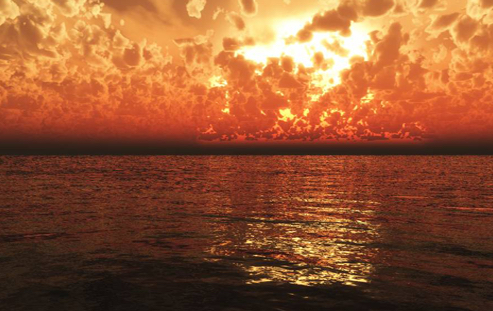
VUE has an advanced atmospheric engine allowing you to create impressive skies with multiple cloud layers. You can pick a pre-defined atmosphere of course, but if you want to craft a specific cloudscape that compliments your terrain, it’s vital to comprehend the atmosphere editor as well as learning how to light the scene.
Karen Reedstrom is a long standing VUE artist AND a trained meteorologist who has worked for the U.S. Navy and the U.S. National Weather Service. With her specialised background she will provide you additional depth in this VUE course on creating Stunning Skies. She’ll include the teaching of cloud types and atmospheric conditions so you can achieve more realistic and attractive scenes in Vue.
In this two session course you’ll learn…
- An in-depth grand tour of the Atmosphere Editor
- Explore creating and editing cloud materials
- What are the different Lighting Models and when to use them
- Editing the Sun
- God Rays creation and adjustment
- Editing clouds in the material editor
- Getting the aerial perspective right for your scene
- Quality boosting and when to use it
- How to create atmospheric effects
- Creating cool effects with Environmental maps and reflection maps
- Rain and Snow
- What are the different Atmospheric models?
- Using color matched spotlights to brighten up objects that are too dark
- Cloud types and atmospheric conditions
- Karen’s workflow on enhancing your renders in Photoshop
Who is this course for?
- VUE Artists wanting comprehensive training on the Atmosphere Editor
- Digital artists wanting more control on their cloudscapes
FREE Sample Webinar Session
Join us for the first 30 minutes of this course for free. Register with the sample session ticket.
NEW : Premium Pack includes Learning Framework

To consolidate learning, this course will include an online structured course with additional material:-
- Structured framework
- Bonus video content
- Advanced quizzing
- Additional PDF guides
- Progression tracking for each student
- Certificate on course completion
GOODY BAG CONTENT for this course
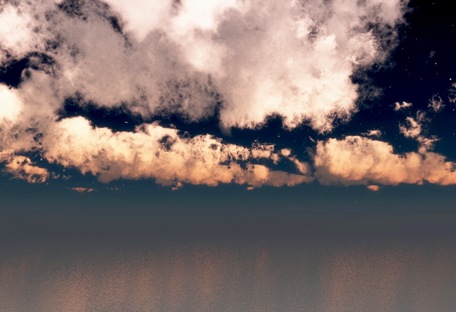
- Cloud materials
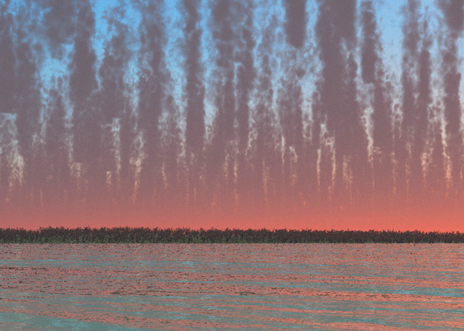
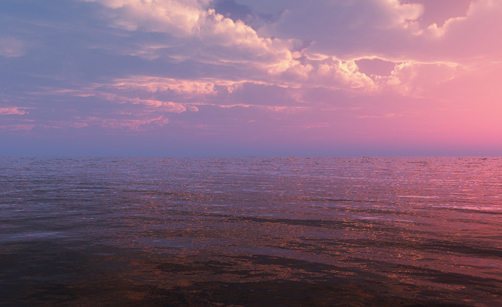
- 12 Photometric Spectral Skies
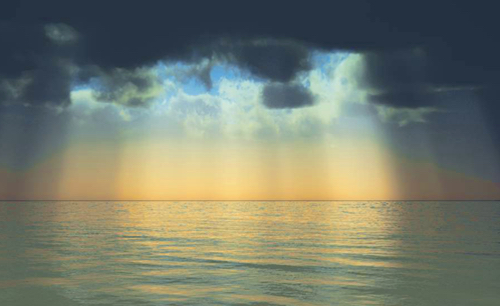
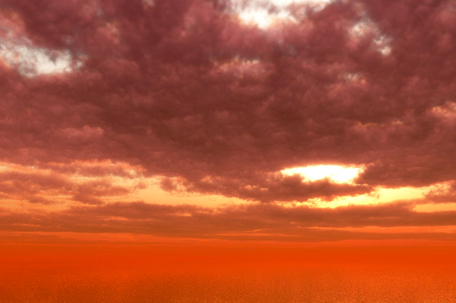
- 6 Romantic Skies
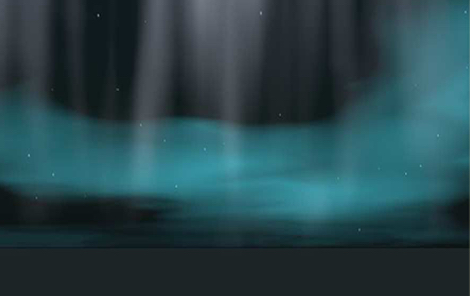
- 20 Northern Light Skies
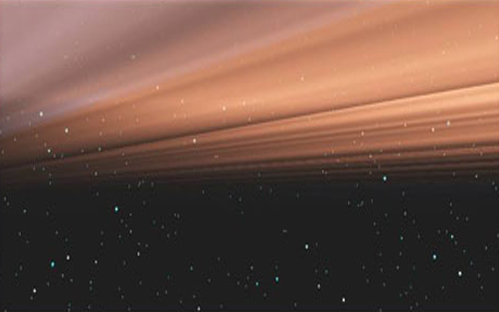
- 6 Outer Space Skies with out of this world nebulas!
Software Requirements
- VUE 2015 or up
- Photoshop or GIMP

Webinar Dates, Times and Content
Session 1 Sunday 19th of April
Time : 20:00 BST (London)/12:00 PDT (Los Angeles)/15:00 EDT (New York)
Duration : 1.5 hours
Content : The atmosphere editor – tab by tab
Session 2 : Sunday 26th of April
20:00 BST (London)/12:00 PDT (Los Angeles)/15:00 EDT (New York)
Duration : 1.5 hours
About Karen Reedstrom (Minto)
Karen has been using Vue since Vue 4 and has posted many renders on Cornucopia 3D, winning awards and actively taking part in contests. She has been a long-time vendor on the former Cornucopia 3D store creating objects, plants, skies, and more. Professionally she has used Vue for Ford Motors online training courses and combining DAZ and Poser characters with Vue to create artwork, movie one sheets and book covers.
Karen is also a trained meteorologist who has worked for the U.S. Navy, The National Weather Service, and several private meteorological business including a pioneering satellite research scientist.